
Software engineering teams burn thousands of hours chasing phantom bugs that are simply user errors. This phenomenon, known as PEBCAK, drains development resources and delays roadmaps. Sending every unverified complaint to engineering costs developers up to 20% of their weekly capacity due to context-switching. Instead of treating support as just a standard communication channel, modern tech companies weaponize it as a strategic operational shield. By choosing to outsource customer service to technical teams, you build a powerful Pre-QA defense. This customer service outsourcing systematically filters simple user errors, reproduces bugs, and ensures developers only spend time on verified, actionable defects.
1. The Frontline: Filtering User Error vs Actual Bugs
The first and most critical duty of a Pre-QA support team is to act as a rigorous filter. In the tech support industry, an estimated 40% to 60% of reported bugs are actually user errors, configuration mistakes, or a fundamental misunderstanding of the User Interface (UI).
When you outsource customer service, your agents must be trained to immediately recognize the symptoms of PEBCAK. A user error occurs when the system is functioning exactly as coded, but the user strays from standard workflows, inputs invalid data formats without realizing it, or misunderstands the software’s capabilities.
The Diagnostic Approach to User Error
To filter these effectively, outsourced agents utilize a specific diagnostic workflow:
- Verification of Workflow: The agent asks the user to outline the exact steps they took. Often, this reveals that a required step was skipped.
- Environment Checks: The agent verifies if the user is operating on an unsupported browser version, utilizing aggressive ad-blockers, or experiencing local network drops.
- Educational Redirection: Instead of escalating the ticket, the agent pivots to customer education. They guide the user back to the correct path using Help Center documentation, annotated screenshots, or brief Loom recordings.
The Pre-QA Outcome: No action is required from the engineering team. The ticket is resolved at Tier 1. However, premium customer service outsourcing partners will log these user errors. If dozens of users consistently make the exact same “error” on a specific page, the outsourced team will flag it for the UX/UI design team as a friction point requiring a redesign, rather than a bug requiring a code patch.
2. Bug Reproduction: Identifying True Software Defects
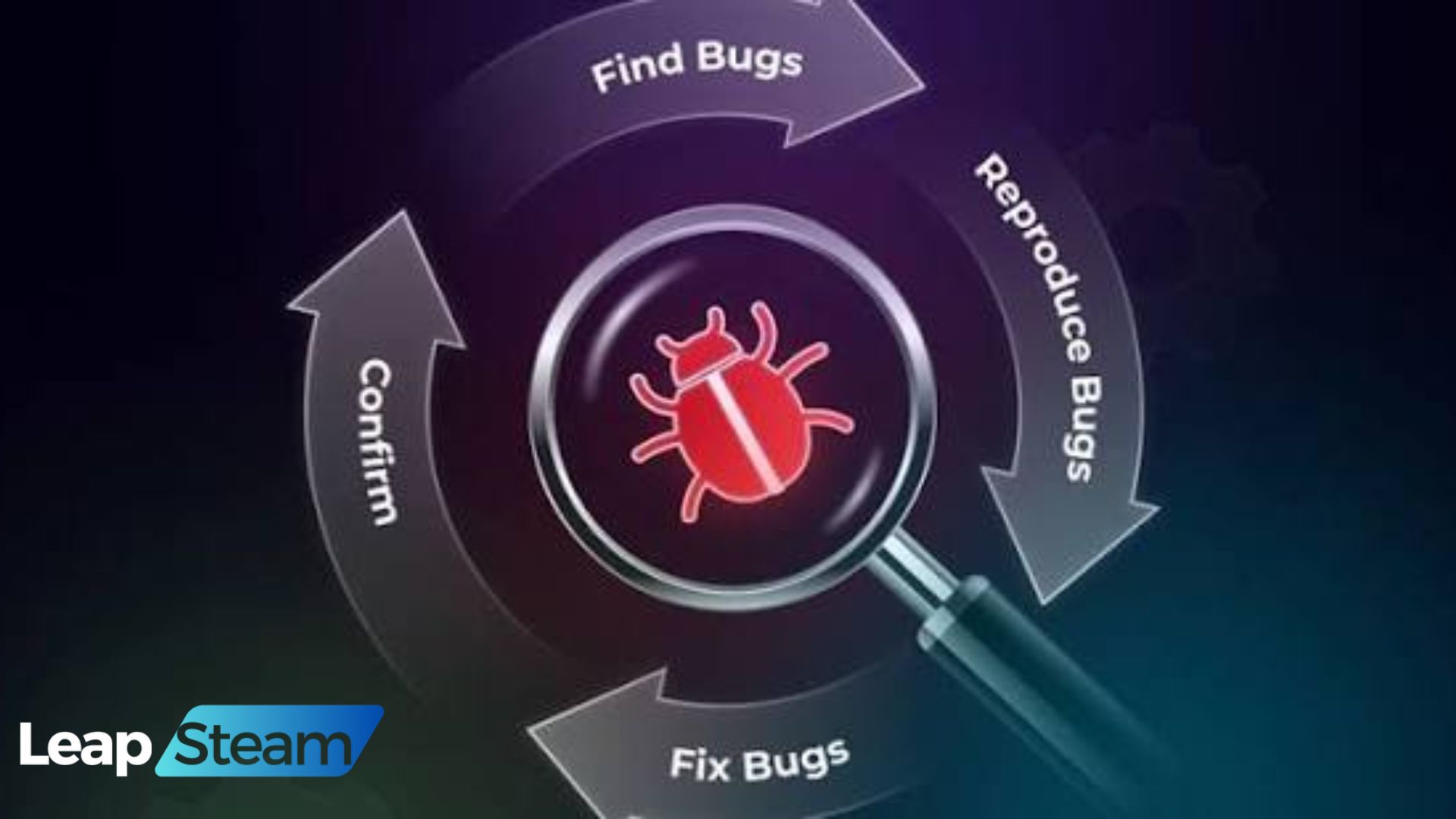
Once user error has been confidently ruled out, the outsourced support team shifts from a customer service role into an investigative Pre-QA role. Their job is no longer just to soothe the customer; it is to prove that the software is genuinely broken by achieving Bug Reproduction.
Bug reproduction is the holy grail of software troubleshooting. If a bug cannot be reproduced, a developer cannot fix it. When you leverage customer service outsourcing, Tier 2 technical agents are tasked with isolating the variables that cause the software to fail.
Categorizing the Defect
Outsourced teams must be trained to categorize true bugs into two distinct operational pathways based on their severity and scope:
The Edge Case Bug
- Definition: The software fails under highly specific, uncommon, or anomalous conditions. For example, the app crashes only when a user is on an outdated Android OS, utilizing a specific third-party keyboard, while connected to a weak 3G network.
- Agent Action: The outsourced agent must meticulously gather trace logs, exact device specifications, and step-by-step actions.
- Development Next Steps: This is escalated to the standard QA backlog. It requires attention, but it is not everything. QA will attempt to reproduce the environment using the exact parameters provided by the support agent.
The Systemic/Critical Bug
- Definition: Core features are breaking consistently across a wide swath of the user base, despite users following standard, expected workflows. For example, the payment gateway is rejecting all Visa cards across all browsers.
- Agent Action: The outsourced team must acknowledge the issue instantly to prevent a flood of duplicate tickets. They must provide a temporary workaround if one exists (e.g., “Please use PayPal while we resolve the credit card processor issue”) and escalate the ticket directly to engineering leadership.
- Development Next Steps: Immediate, high-priority triage. Standard QA processes are often halted until a hotfix is coded, deployed, and tested.
3. The Ultimate Triage Checklist for Support Teams
For customer service outsourcing to successfully intercept bugs before they hit the QA backlog, systemic processes and strict data intake protocols must be enforced. An outsourced agent should never be allowed to escalate a ticket to a developer that simply says, “The customer says the app is broken.”
To equip your outsourced teams for success, mandate a Pre-Formatted Intake Protocol within your support software (such as Zendesk, Freshdesk, or Intercom). Before a ticket can be routed to Jira or Linear, the agent must complete the following Triage Checklist:
| Triage Data Point | Description & Agent Requirement | Why QA/Dev Needs This |
| Operating Environment | Exact OS (e.g., macOS 14.2), Browser version (e.g., Chrome 120), or App Version (e.g., iOS App v2.4.1). | Bugs are often environment-specific. Devs need to know which virtual machine to spin up for testing. |
| User Identity & State | User ID, Account Tier, and recent session logs or telemetry data. | Allows engineers to check backend server logs for that specific user ID to find crash codes. |
| Steps to Reproduce | A numbered, step-by-step guide detailing exactly how the agent triggered the bug in a testing environment. | Prevents devs from guessing the user’s workflow. If the agent can trigger it, the dev can trigger it. |
| Visual Evidence | Mandatory attachment of screenshots, screen recordings, or console error logs (Inspect Element network tabs). | A visual record proves the bug exists and often highlights UI anomalies the user missed. |
| Expected vs. Actual | What the software should have done versus what it actually did. | Clarifies the intent of the feature, ensuring the dev understands the baseline requirement. |
By enforcing this checklist, your decision to outsource customer service directly translates into cleaner, highly actionable data for your engineering teams.
4. The ROI of a Pre-QA Defense System
Investing in technical customer service outsourcing is not merely about answering emails faster; it is a profound operational upgrade that generates massive Return on Investment (ROI) across your entire product development lifecycle. When outsourced support agents successfully act as a Pre-QA defense, the benefits ripple upward to your highest-paid staff.
Reduced Mean Time to Resolution (MTTR)
Every minute a software engineer spends trying to figure out what a user meant by “the screen went weird” is a minute they are not writing new code. When an outsourced Tier 2 agent reproduces the bug and packages it with console logs and exact steps, the developer can skip the discovery phase entirely and immediately begin patching the code. This drastically reduces the MTTR, getting your product back to 100% functionality faster.
Cleaner Engineering Backlogs
Product managers frequently battle “backlog rot” a Jira board cluttered with hundreds of unverified, vague, or duplicate bug reports. A Pre-QA defense team acts as the gatekeeper. They consolidate duplicate reports into a single master ticket and aggressively filter out user errors. As a result, QA teams and developers can focus their cognitive energy exclusively on exploratory testing and resolving legitimate defects.
Elimination of “Cannot Reproduce” Friction
There is nothing more frustrating in the Support-to-Engineering pipeline than a ticket being bounced back with the dreaded “Cannot Reproduce” label. This creates friction between departments and leaves the customer waiting in limbo. Because tickets are rigorously verified and reproduced by outsourced technical agents before reaching development, the risk of a developer rejecting the ticket is significantly lowered. The proof is already in the ticket.
5. Conclusion: Empowering Dev Teams with Smarter Support
In the highly competitive landscape of software and app development, your engineering talent is your most valuable and expensive asset. Allowing that talent to be bogged down by user misunderstandings and phantom bugs is an operational failure.
By treating your support desk as a strategic Pre-QA defense layer, you insulate your developers from the noise of the front lines. The decision to outsource customer service to a technically proficient BPO partner bridges the critical gap between user frustration and engineering resolution. When your support team is empowered to filter, reproduce, and document defects with surgical precision, your entire organization moves faster, builds better products, and delivers a flawless customer experience.
Frequently Asked Questions (FAQs)
What does PEBCAK mean in customer service?
PEBCAK is a tech-industry acronym that stands for “Problem Exists Between Chair And Keyboard.” It is a humorous but highly accurate way of describing a situation where a software platform is functioning perfectly, but the user is making an operational error, clicking the wrong buttons, or misunderstanding the interface. Identifying PEBCAK issues is the first step in a Pre-QA defense strategy.
How does customer service outsourcing improve QA workflows?
Customer service outsourcing improves QA workflows by acting as a strict filtering mechanism. Highly trained outsourced agents intercept incoming complaints, resolve user errors immediately, and perform initial bug reproduction. They only escalate verified, documented software defects to the internal QA and development teams, ensuring developers do not waste time chasing phantom bugs.
What tools do outsourced technical agents need for bug triage?
To perform effective Pre-QA bug triage, outsourced agents need integration between their ticketing system (like Zendesk) and the engineering issue tracker (like Jira). Furthermore, they require access to user telemetry tools (like FullStory or LogRocket) to view session replays, as well as the training to pull browser console logs and network diagnostic data to attach to their bug reports.
Do I need Tier 1 or Tier 2 agents for bug reproduction?
While Tier 1 agents are excellent for general inquiries, billing questions, and password resets, effective bug reproduction requires Tier 2 technical agents. Tier 2 agents possess the software troubleshooting background necessary to understand edge cases, read basic trace logs, and follow complex diagnostic trees required for robust Pre-QA defense.